What to Write in a Google Review Appeal (and What Gets Appeals Declined)
2026-09-24
You have the appeal form open in the Reviews Management Tool, a review ticked, and two empty fields in front of you. What you type in the next ten minutes is the only argument Google will read about this review, and you get one go at it. Here is what belongs in each field, and what gets appeals declined.
If you have not reached the form yet, how to appeal a Google review decision shows where it lives.
The policy field: Google's own name, one per review
The first field asks which policy the review breaks. Type the policy's name exactly as Google writes it. The ones that come up in review appeals are:
- Harassment
- Hate speech
- Personal information
- Sexually explicit content
- Misrepresentation
- Obscenity & profanity
- Fake Engagement
- Off-topic
- Conflict of interest
Two rules apply here.
Use the real name. Google does not publish numbered clauses, so an appeal that cites a section number tells the reader you are guessing, and it undermines everything you write after it.
Pick one. If a review swears at a manager and also calls the business crooks, choose the stronger breach and argue it properly. Three policies in one field reads as throwing everything at the wall, and it splits the argument that follows.
The policy you appeal under does not have to match the reason you clicked in the first report. The report reasons are a short fixed list, often with no close match, and the appeal is where you name the policy properly. Which policy fits each of the 12 breaches we file against is set out in the cheat sheet in The Google Review Removal Playbook.
The why field: built to be checked in ten seconds
The second field asks why you believe the review breaks that policy. Picture who reads it: someone working through a long queue of appeals, most of them angry, many of them arguments about whether a meal was cold. Your appeal needs to answer one question fast. Does this review really say something the policy bans?
The structure that answers it has four parts, in this order:
- The rule. One sentence on what the policy does not allow.
- The exact words. The reviewer's phrase in quotation marks, copied exactly as it appears, including any masked swearing.
- The link. A short paragraph connecting those words to that rule.
- The ask. A plain statement that the review breaches the policy, and a request for its removal.
Rule first, then the quote, means the reader has effectively checked the case before reaching your argument. Keep the whole thing to a few short paragraphs. Length does not add weight. It adds places for the reader to lose the thread.
The paragraph you write yourself
Parts one, two and four are close to mechanical. Part three, the link, is the one you write yourself, and in our experience it decides the outcome.
The link has one job: to show that the words on the page are the kind of words the policy bans. Not that they are unfair, not that they are untrue, not that they are costing you customers. Only that they are that kind of words.
We write it as three sentences, and each does one thing. The first pins down who or what the words are aimed at. The second separates them from any comment on the product or service, which is what a reviewer is entitled to talk about. The third closes the gap by putting the policy's own language next to the reviewer's, so the reader does not have to make the connection themselves.
When all three are there, the decision takes seconds. When one is missing, the reader has to do the work, and a reader in a queue often will not. Getting the wording of each sentence right for each type of breach is where most owners stall, which is why the playbook gives it to you ready to fill in.
Weak versus strong
The difference is easiest to see side by side. A weak link says the review is "false, abusive and damaging to our business". Every word of that may be true, and none of it helps, because it describes how you feel about the review rather than what the review does.
A strong link talks only about the quoted words: who they are aimed at, what kind of statement they are, and which rule that means they break. It never mentions what happened in the shop, and it never asks the reader to take your word over the customer's.
What to leave out
These are the things we see in declined appeals again and again:
- Your side of the story. "This never happened" turns a rule breach into a dispute, and Google does not referee disputes. Your version belongs in your public reply.
- Harm to the business. Lost bookings, years of hard work, hundreds of five-star reviews. All real, and all beside the point of whether the words break a rule.
- Anything about the reviewer. Their motives, their history, what you suspect about them. An appeal about a person reads as a grudge.
- Descriptions in place of quotes. "The reviewer was abusive" is an opinion. Their words are evidence.
- Threats and legal language. Words like "defamatory" and "legal action" make an appeal read as pressure. Defamation is a separate process with its own form.
- Heat. Capitals, exclamation marks, "absolutely disgusting". The calmest appeal in the queue is the most credible.
- Anything you cannot stand behind. The form asks you to confirm your information is accurate. Only state what is true.
- Old text. If the form offers to reuse details from a past appeal, clear them and type fresh for this review.
One trap catches a lot of owners: naming the owner or a staff member in a review is allowed. An appeal that says "the review names our manager" has not identified a breach. The breach is the attack on the named person (their competence, character, looks or right to the job), and it is strongest when swearing is aimed at them. Removing a review that attacks an employee covers where that line sits.
Two appeals we won
Both of these were lodged for a client. Both reviews came from real customers, both first reports came back "no policy violation", and both appeals were approved with the reviews removed.
The scammers review. The review opened by calling the business scammers and telling readers not to use it. Everything after that line was a complaint about communication: staff replying by text, with delays between messages. We appealed under Misrepresentation. The appeal quoted the opening line, pointed out that it accused the business of fraud as a statement of fact, and showed that nothing else in the review supported it, because the rest described slow replies, not dishonesty. It did not argue about the response times at all. The slow replies were fair comment. The label was not.
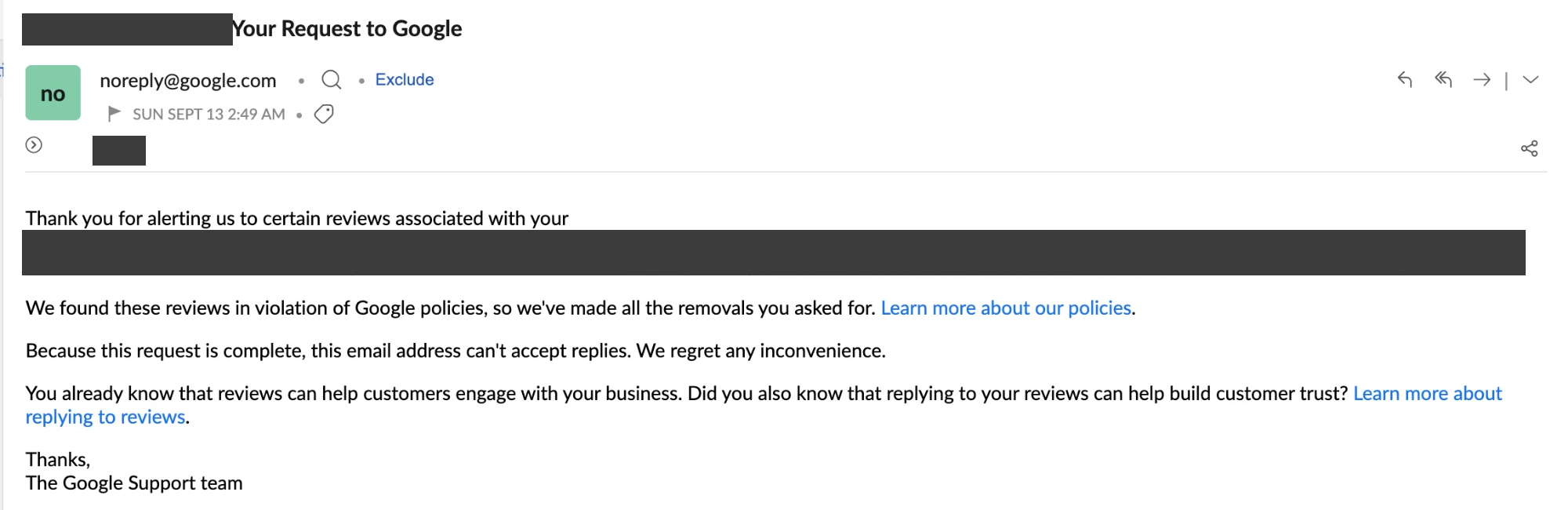
Google's decision on the scammers appeal, sent under the subject line "Your Request to Google".
The Dylan review. This one named the manager, Dylan, more than once. It questioned whether he should be a manager at all, said he knew nothing about customer service, and aimed profanity at him. We appealed under Harassment. The appeal quoted both passages, said plainly that the review had moved from feedback on the business to a personal, abusive attack on an individual employee by name, and asked for removal under that policy. Naming Dylan was not the breach. Attacking his right to his job, with swearing directed at him, was.
Look at what the two have in common. They quote the exact words, they say what kind of words those are, and they never argue about what happened. That is the whole technique, and the skill is in applying it cleanly to your own review. The full appeal templates for all 12 breaches, each with a worked example you can adapt in a few minutes, are in The Google Review Removal Playbook.
Before you press submit, read your why field once as a stranger would: if the reviewer's banned words and the name of the rule are not both visible in the first few lines, move them up.
All 12 appeal templates, ready to fill
Paste in the reviewer's words and the template does the rest: the right policy name, the three-sentence link, and a worked example for every breach.
Get the Playbook · $99Several locations or a group? Talk to us about a managed service · Popular locations: Sydney · Melbourne · Brisbane · Perth · Adelaide · Gold Coast · all locations